
OKMD
Markdown, nicely set
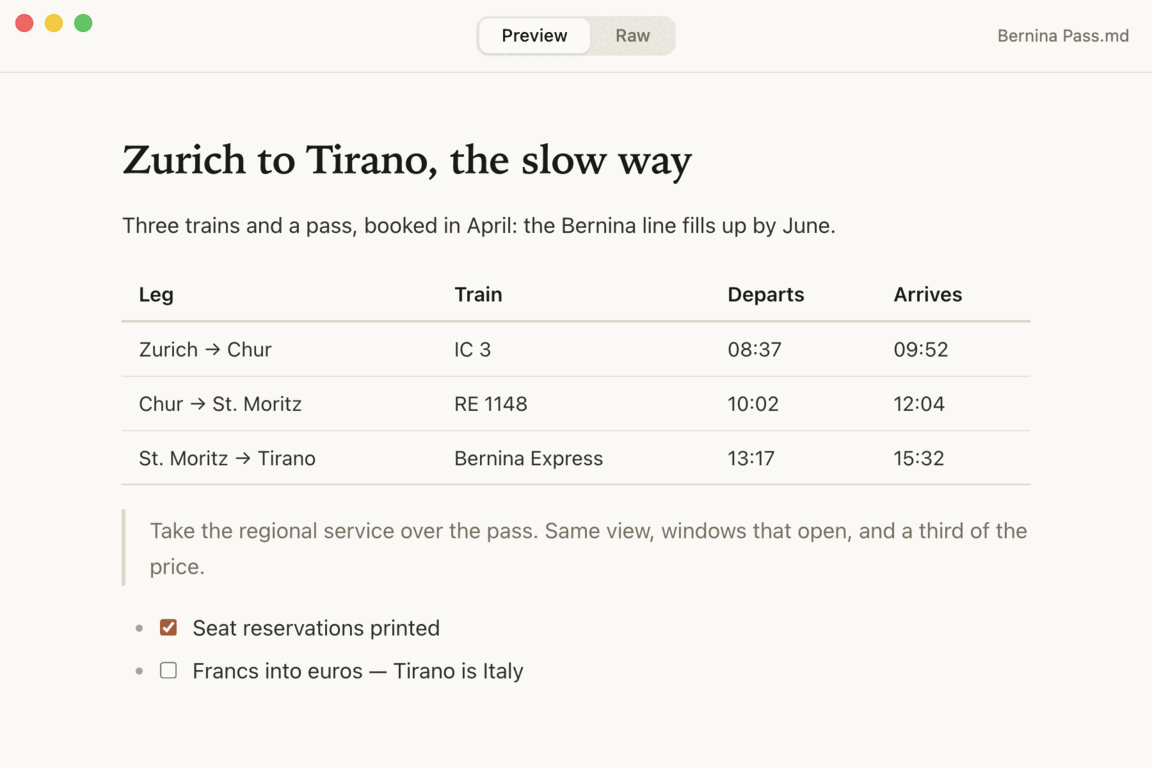
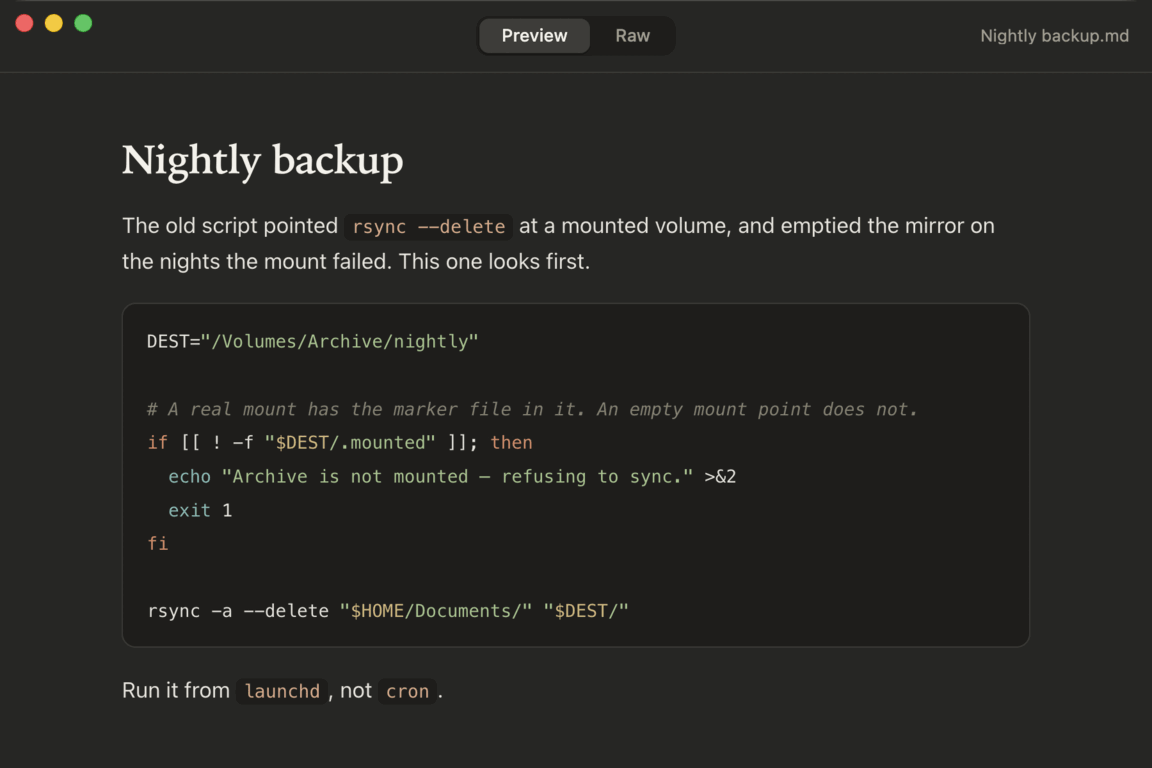
Markdown files are plain text, so most things that open them show you plain text — or bury the document in a sidebar, a file tree and a row of panes. OKMD does neither. It opens the file and sets it properly: serif headings, real code blocks, tables that line up. That is the whole idea.
It is free, open source, and Mac-only. macOS 12 or later on Apple silicon. It is signed and notarized, so it just opens.
One interaction
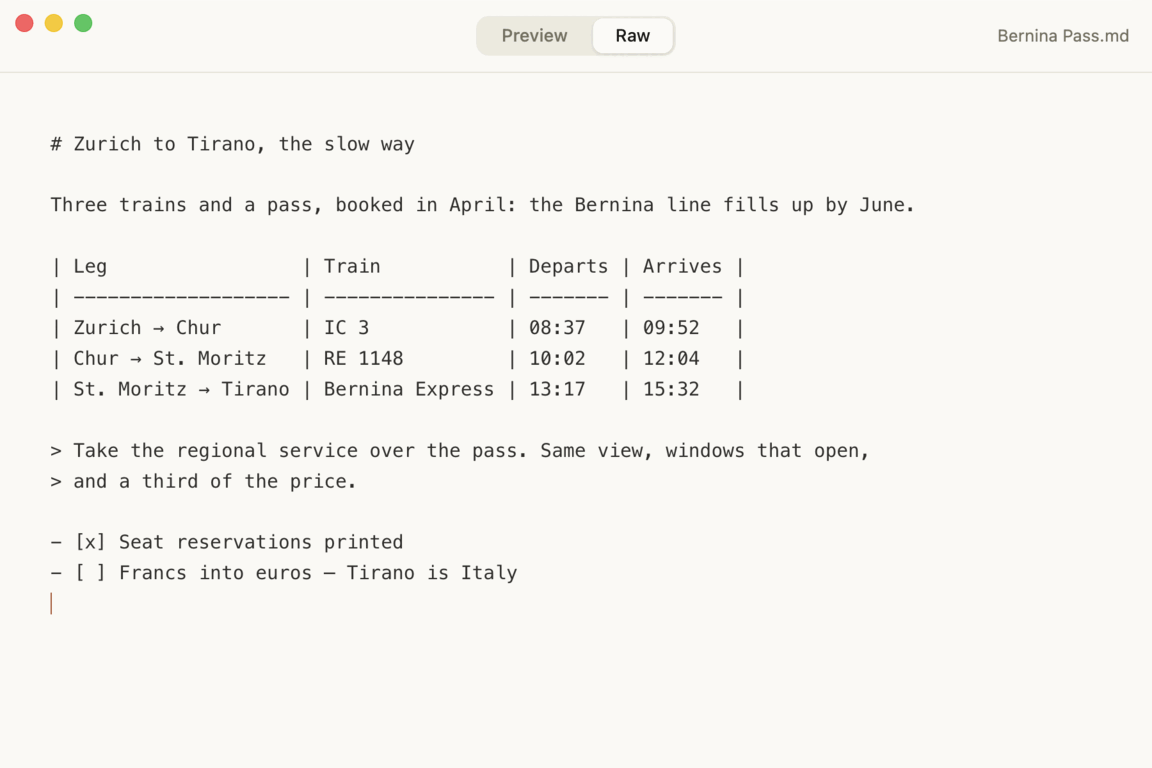
There is a single control, top centre: Preview or Raw, also ⌘E. Preview is the typeset document. Raw is the markdown behind it. Nothing else to configure, and no mode to get lost in.
The preview is editable
Most readers make you switch to a source pane to fix a typo. In OKMD you
type directly into the formatted document and the markdown underneath
updates to match. Task-list checkboxes are live too — tick one in
the preview and the - [x] is written into the file. Save
with ⌘S and you get clean markdown back, not HTML.
Screenshots
What it does
- A window per document — with native macOS tabs, so Window ▸ Merge All Windows works the way it does everywhere else.
- Opens where you left off — an empty window shows your recent files first, then New and Open.
- Syntax highlighting — fenced code blocks are highlighted in three dozen languages, the ones people actually paste: Python, JavaScript, TypeScript, Go, Rust, Swift, SQL, shell and the rest.
-
Drag and drop — drop a
.mdfile on the window to open it. - Light and dark — follows the system, with a palette built for long reading rather than maximum contrast.
Nothing behind it
OKMD has no network code in it at all. No account, no sync, no telemetry, no update check, no cloud. The syntax highlighter and markdown parser are bundled into the app, so it renders the same on a plane as it does at your desk. The only thing it ever writes outside your documents is the list of files you opened recently.
Open source
The whole thing is about six hundred lines of JavaScript, MIT licensed, and readable in one sitting on GitHub.
Pages